Disclosure: I may earn a commission if you use links in this post at no extra cost to you.
What the Ibotta Does
Ibotta is a free cashback app that helps you save money on groceries, household essentials, online shopping, and even dining out. Instead of clipping coupons, you activate offers in the app before shopping, then upload your receipt or link your store loyalty account. Once your purchase is verified, Ibotta credits you with cashback, which you can withdraw once you hit the minimum balance. It works with lots of popular retailers, including Walmart, Target, Kroger, Amazon, and more. This makes it one of the most widely accepted cashback apps available today.
My Real Experience Using Ibotta
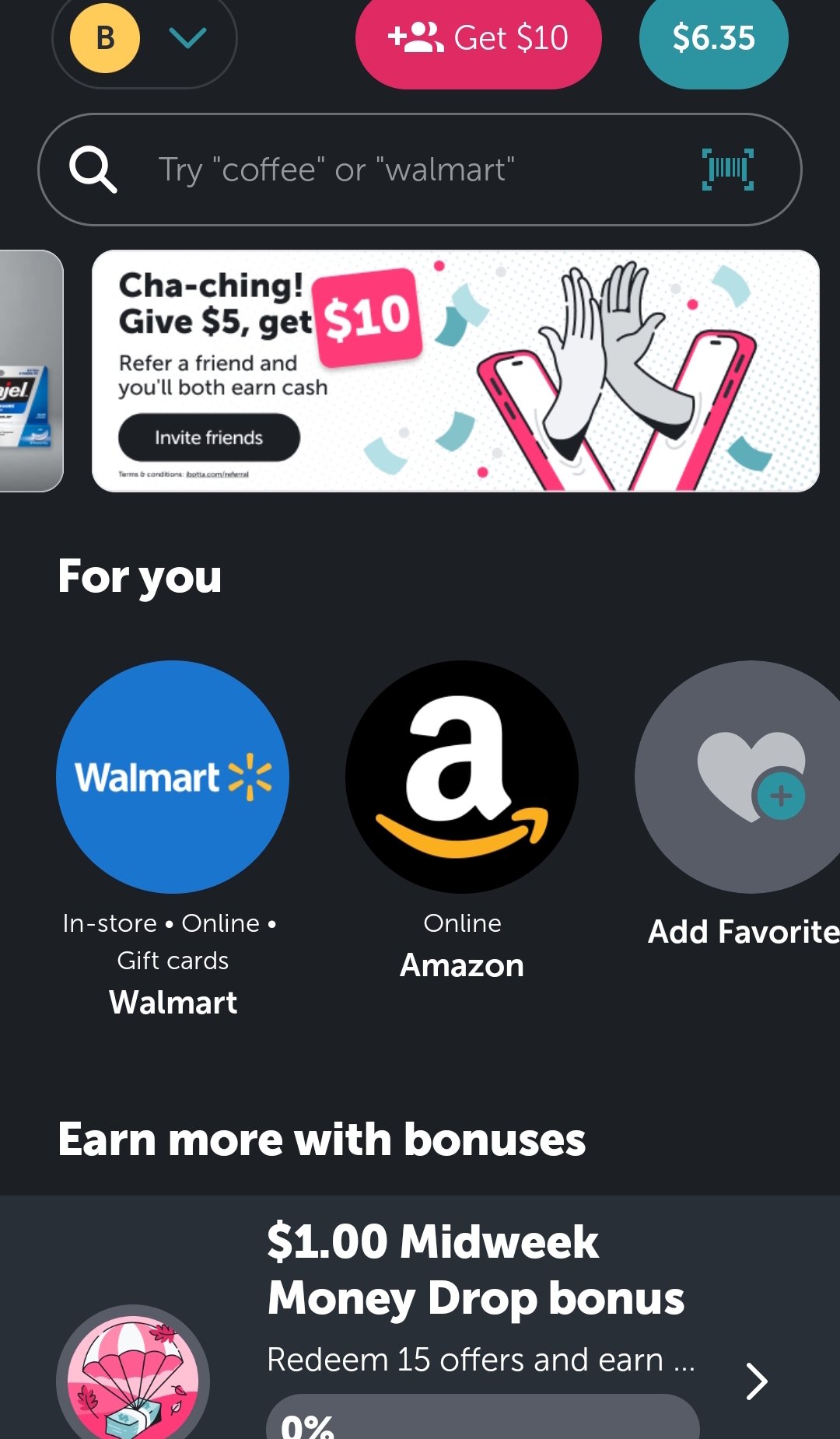
My experience with Ibotta has been pretty mixed so far. I’ve been using the app for about a month and trying to integrate it into my everyday shopping. I mostly shop at Walmart, which does have plenty of products listed on Ibotta. As mentioned earlier, you have to clip the offers in advance, but here’s a little trick I discovered: if you forget to activate an offer, Ibotta will sometimes email you when you’ve connected an account directly, by saying you “missed” a deal — and it lets you clip it after the fact and still get credit, as long as it’s within 24 hours.
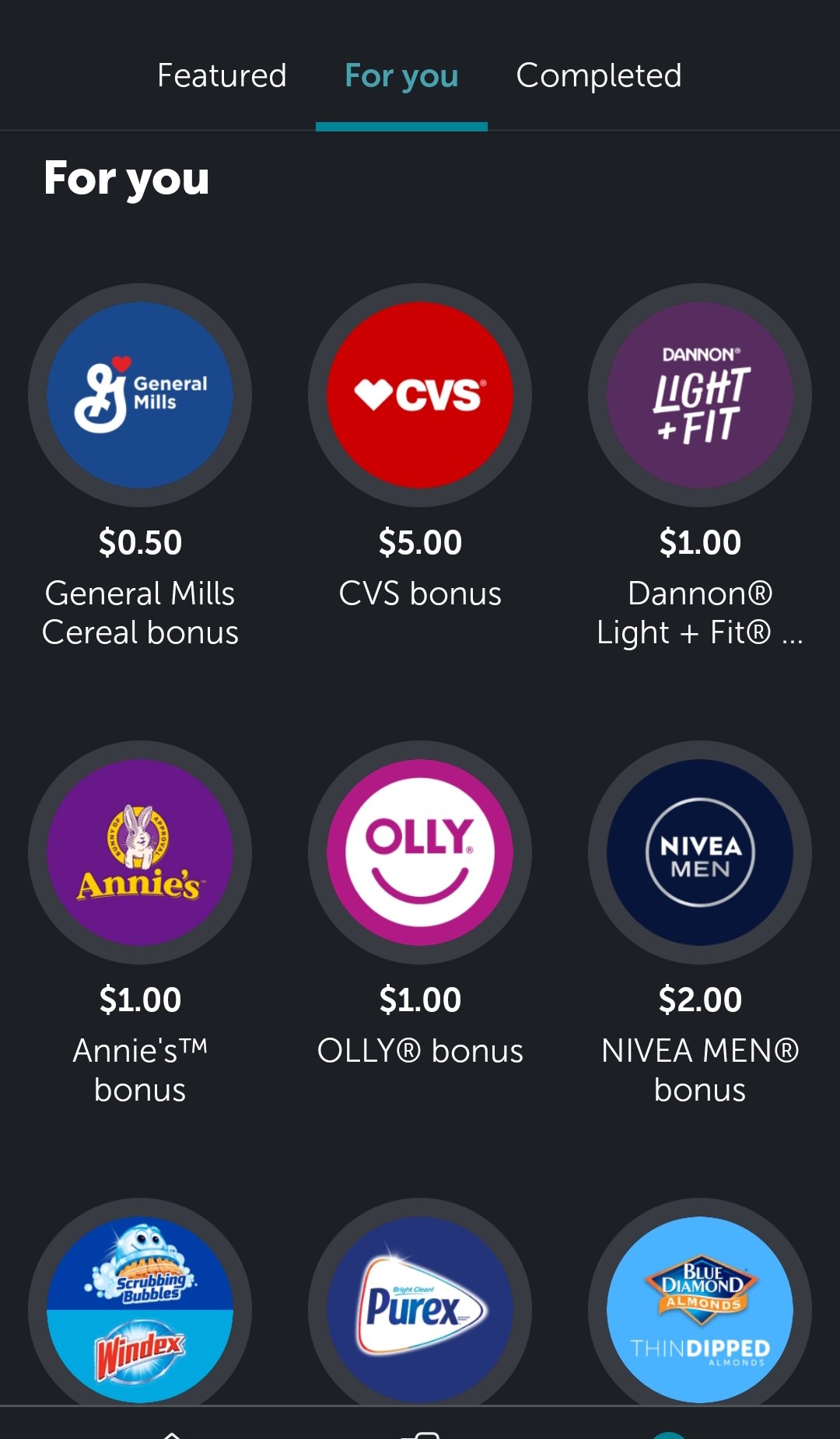
The app itself is easy to navigate, but here’s my biggest complaint: most of the cashback offers I’ve seen are for brand-name products, which doesn’t always work for discount shoppers like me. Since this site focuses on saving money, that’s definitely a drawback in my opinion. That said, Ibotta does work, and I’ve earned cashback already, but I haven’t cashed out yet since it takes time to build up enough rewards. I’ll post an update here once I officially cash out and confirm how smooth the payout process is (or isn’t).
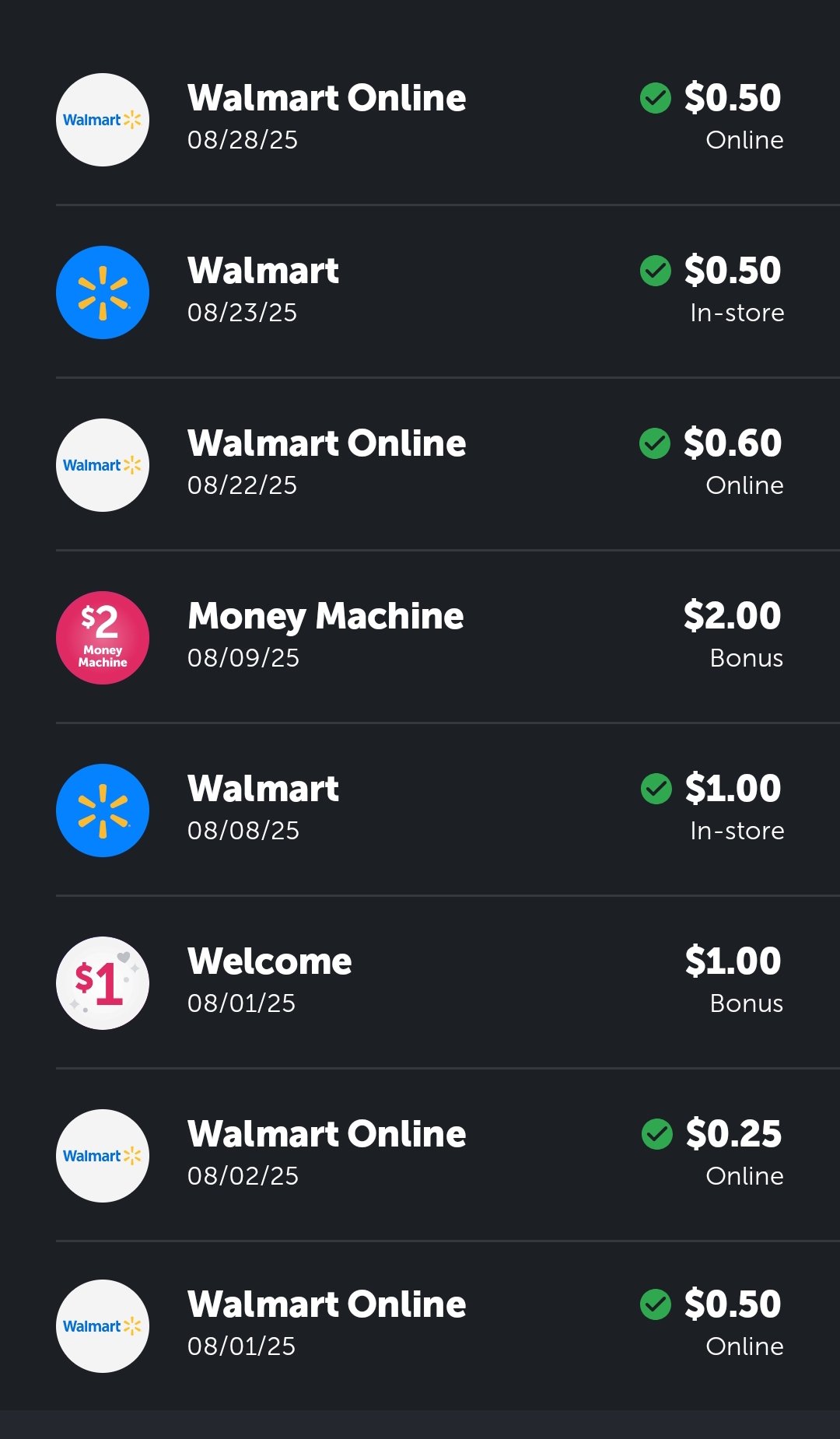
Take a peek at how I used Ibotta: –
How to Get Started
- Download the Ibotta app from the App Store or Google Play.
- Sign up and create an account (link your email or loyalty card if needed).
- Browse offers and clip them before shopping.
- Shop at supported stores (Walmart, Target, etc.).
- Upload your receipt or link your loyalty account to get credit.
- Cash out once you reach the minimum balance ($20 via PayPal, Venmo, or gift cards).
- Referral Link (Optional) Want an extra $5 on your first submitted receipt? Use my referral code NJZLLMV.
- Pro Tip: If you forget to clip an offer (to a linked account), check your email — Ibotta sometimes lets you activate missed deals within 24 hours.
Is It Worth It?
I can only partially answer this because it takes time to build up cashback. If you shop at brand-name stores and clip deals regularly, then yes — I’ve been able to earn small amounts like $0.50 here and there, which is more than I would have gotten otherwise.
Pros –
- Earn cashback on everyday purchases — groceries, dining, online shopping.
- Easy to use — clip offers, scan receipts, or link loyalty accounts.
- Missed offer recovery — sometimes Ibotta emails you to claim missed deals within 24 hours.
- Wide retailer support — Walmart, Target, Kroger, Amazon, and more.
Cons –
- Slow payouts — takes time to reach the minimum balance and withdraw.
- Limited to brand-name products — may not suit discount-focused shoppers.
- Not all deals are high-value — some offers are small percentages or require multiple purchases.
- App experience varies by store — some users report inconsistent earnings depending on location.
Final Verdict
Ibotta does work and can save money if you shop at supported stores, but it requires patience and attention to the offers you clip.
Pro tip: connect every account you can to get those deals that you may have missed or didn’t sign up for before shopping.